
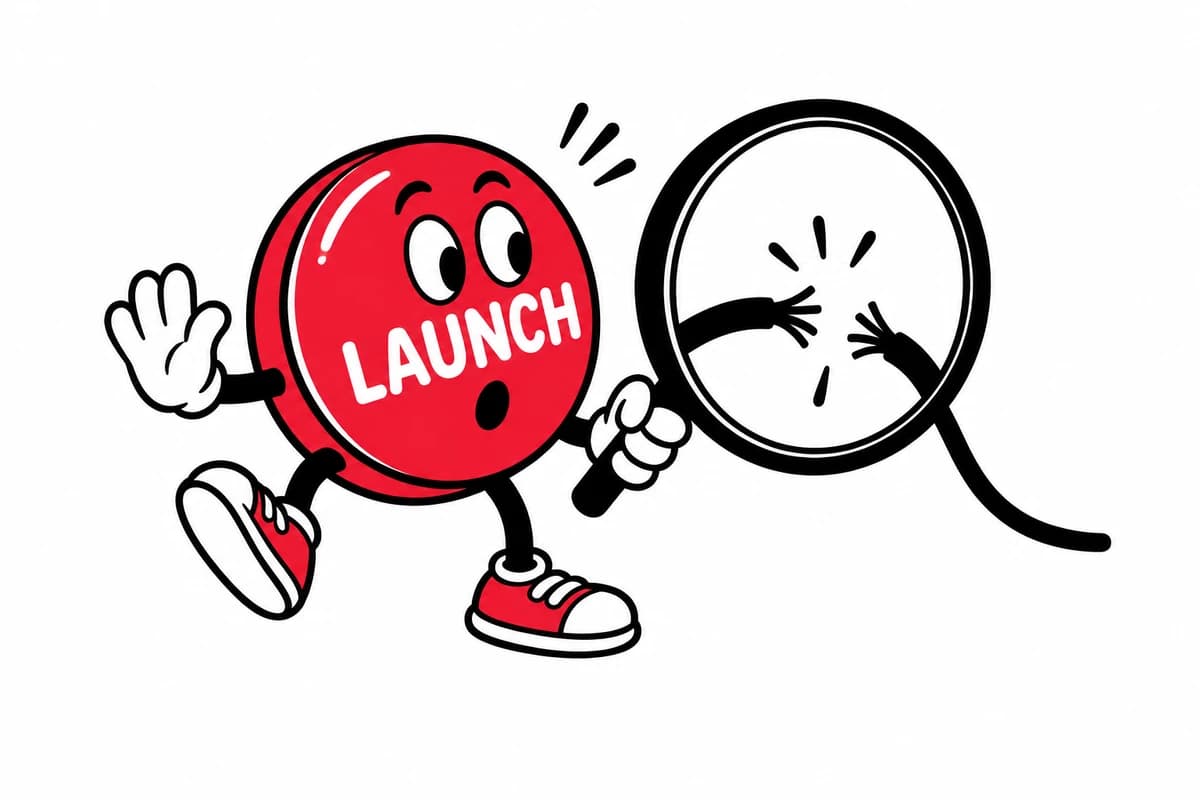
An AI-generated screen can look finished while the workflow around it remains incomplete. Before a B2B team releases that screen, someone needs to test what happens when a user changes their mind, loses access, enters invalid data or returns tomorrow.
The useful question is simple: can a person complete the intended task, understand the result and recover from a mistake? A screenshot cannot answer it. This checklist is our recommended review framework, not a report of measured client results.
Why this review belongs in the release process
Recent design conversations have moved beyond whether AI can produce a plausible interface. A discussion in r/productdesign asks what sits behind the visible interface. That is an anecdotal signal of practitioner interest, not evidence about the whole industry.
Nielsen Norman Group's article on AI-related UX debt describes the risk when evaluation falls behind implementation. Our practical response is to make workflow review part of release ownership: decide who checks the generated work, what they check and what prevents release.
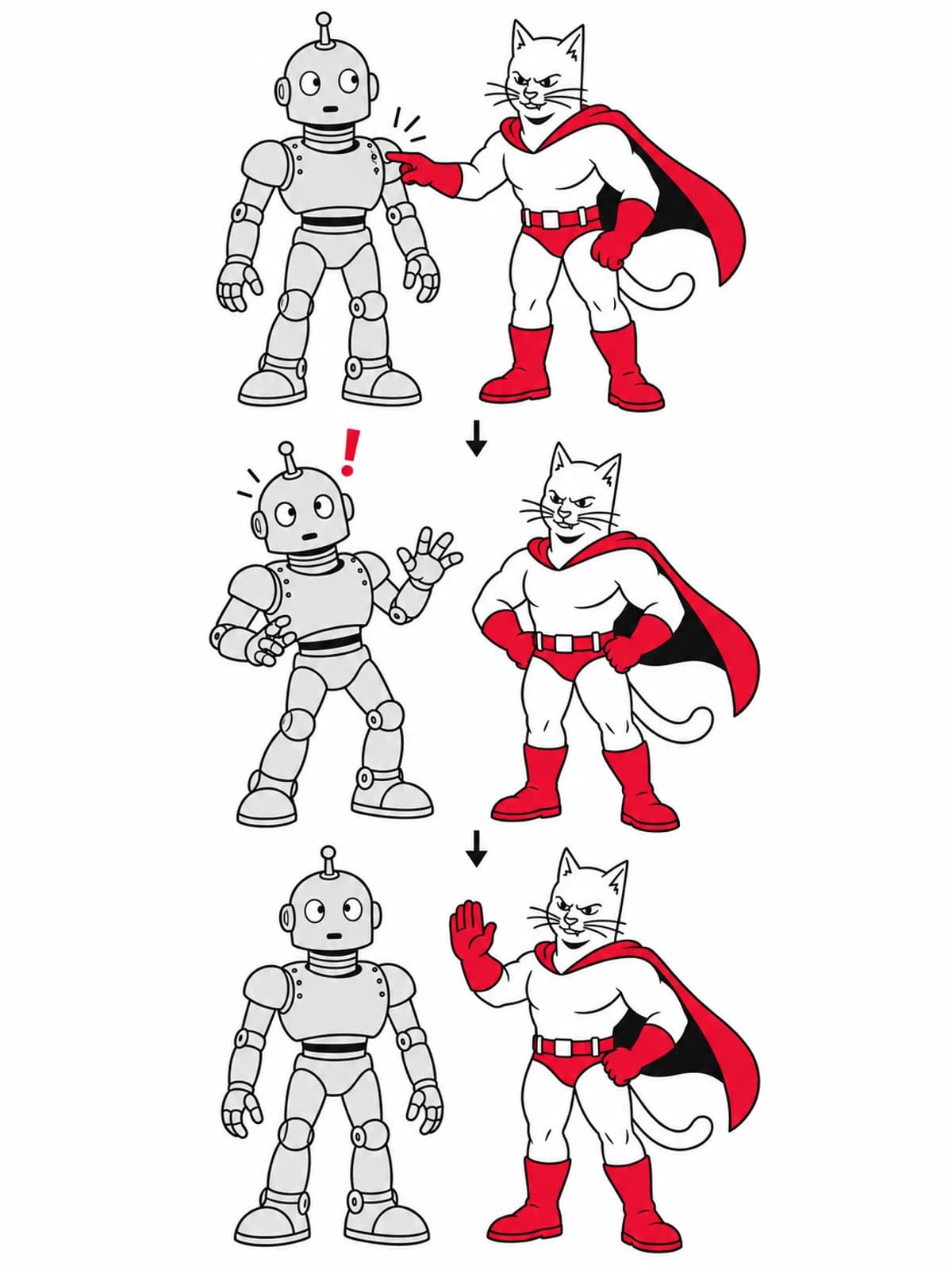
1. Start with a real task and a clear finish
Write one sentence describing what the user needs to accomplish. For example: a workspace administrator invites a colleague, assigns the correct role and verifies that the invitation is pending. This is an illustrative scenario, not a Studio Melamed case study.
Run the task with realistic data. A convincing invite dialog is insufficient if the new invitation never appears in the list. Check whether the completion message matches the saved state, and whether refreshing the page preserves the result.
Record the expected outcome before testing. This prevents a polished animation from distracting the team from missing behavior.
2. Review the states that the first demo skips
Inspect the empty, loading, success and failure states. Try a duplicate invitation, a malformed email address and an expired session. If the service is unavailable, can the user retry without re-entering everything?
For a destructive action, check that the object being changed is named clearly. The interface should distinguish removing a user from revoking an invitation. Where recovery is possible, make it discoverable; where it is not, communicate that consequence before the action.
3. Check keyboard and narrow-screen use
Complete the workflow using only the keyboard. Check focus visibility, navigation order, field labels and whether focus returns to the trigger after a dialog closes. Test at a narrow phone width with long names and mixed content, not just ideal placeholder text.
Use the WCAG quick reference to identify relevant accessibility criteria. An automated scan can support this work, but passing a scan is not a complete accessibility evaluation. Manual task testing still matters.
4. Compare against the actual design system
Check whether the screen uses approved components and semantic tokens. A button with the right color can still have the wrong behavior, label or disabled state. Compare the complete interaction with an existing product pattern.
Our article on design tokens as AI guardrails covers the visual foundation. Tokens are useful inputs, but they do not enforce correct behavior by themselves. Review and implementation checks must close that gap.
5. Give the release decision an owner
Maintain a short record: task tested, environment, unresolved defects, owner and release decision. Classify defects by their effect on the task. A broken permission boundary or an action that silently loses data should prevent release; a minor visual mismatch may be scheduled separately if it does not undermine usability.
For the invitation example, the acceptance record should answer four questions:
- Does the invitation persist after refresh?
- Is the intended role stored and displayed correctly?
- Can someone recover from an invalid or duplicate entry?
- Can the task be completed with a keyboard and on a narrow screen?
What should the team measure next?
Track task completion, support requests for this workflow and defects found after release. Compare equivalent periods and account for changes in traffic and audience. These are proposed measures, not guaranteed improvements or results from our clients.
The goal is to turn faster implementation into usable product work. Give generated interfaces the same accountable release review you would expect of any other contribution. If the task still fails, the interface is not finished.
Continue exploring
Explore our branding and UX/UI services, see the Spectral brand project, or read Brand guidelines vs. design systems.